Most of us don’t think about Wi-Fi until it stops working.
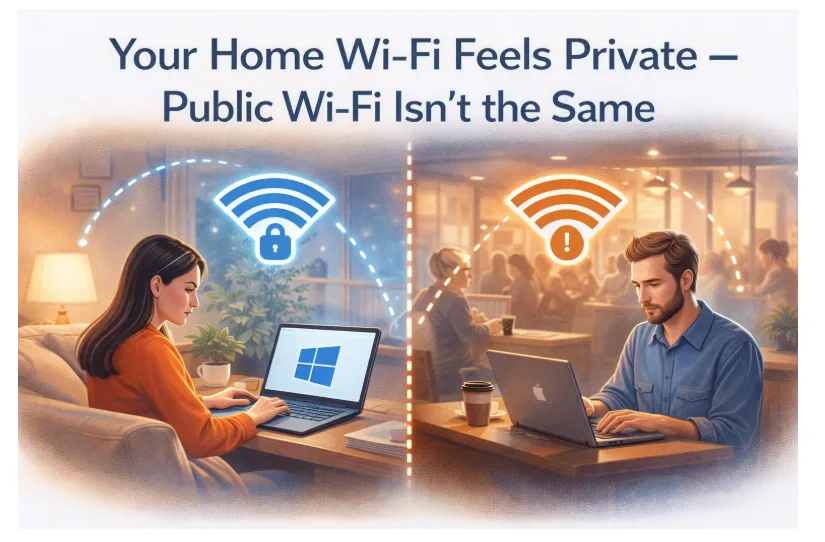
At home, it feels invisible. Your laptop connects automatically. Your phone syncs quietly. Streaming works without interruption. Video calls are smooth. Everything flows through a network that feels familiar.
You set it up. You chose the password. You know which devices are connected.
There’s a sense of control.
But the moment you leave the house, that control changes.
The Wi-Fi symbol still looks the same on your screen. The connection feels just as quick. Your apps behave normally.
What’s different is the environment underneath it.
The Difference Between “Mine” and “Shared”
Your home network is private because you manage it. You decide the password. You control access. You know who’s using it.
Public Wi-Fi is different.
Coffee shops, airports, hotels, libraries, and coworking spaces are built for convenience. Their networks are designed so as many people as possible can connect easily.
That accessibility is helpful. It keeps us productive and connected on the go.
But public networks are shared infrastructure. You don’t control how they’re configured. You don’t know how traffic is handled. You don’t know how many other devices are connected at the same time.
Most of the time, nothing goes wrong.
Still, a shared network isn’t the same as a private one.
Our Devices Do More Than We Realize
A few years ago, using public Wi-Fi might have meant checking social media or browsing the news.
Today, your Windows laptop probably handles far more:
Work documents
Online banking
Video meetings
Streaming subscriptions
Shopping accounts
Cloud storage
Personal photos
Your device isn’t just a browser anymore. It’s part office, part entertainment center, part digital archive.
And it rarely sits idle.
Even when you’re not actively browsing, it’s refreshing email, syncing files, updating apps, checking notifications, and backing up data in the background.
All of that activity moves through whatever network you’re connected to.
At home, that feels normal.
Outside, it deserves a little more thought.
Remote Work Made Public Wi-Fi Routine
Remote and hybrid work changed how we use the internet.
You might answer emails from a café. Join a meeting at the airport. Upload files from a hotel room. Review reports while traveling.
It’s convenient. It’s efficient. It’s flexible.
But public networks are temporary environments. They’re designed for access, not personalization.
Even when websites use encryption, certain connection details — such as your IP address and timing patterns — can still be visible at the network level.
That doesn’t mean someone is actively watching you.
It simply means the environment isn’t yours.
And that’s the key difference.
Why Some People Add an Extra Layer
Because public networks are shared, many Windows users choose to run a best vpn when connecting outside their home or office.
A VPN encrypts your internet traffic before it reaches the local router. Instead of sending your data directly through the shared hotspot, it creates a secure tunnel between your device and a remote server.
You won’t notice a difference in how your apps load or how your videos stream.
But the path your data takes becomes more private.
It’s similar to locking your car in a busy parking lot. You don’t assume something will happen — but you don’t leave it open either.
Public Wi-Fi Isn’t Dangerous — It’s Just Shared
It’s important not to turn this into fear.
Millions of people use public Wi-Fi every day without incident. Businesses rely on it. Travelers depend on it.
But shared infrastructure isn’t the same as controlled infrastructure.
At home, you manage the router. You decide who connects. You understand the setup.
In a café or airport, those decisions belong to someone else.
That difference doesn’t mean you should avoid public Wi-Fi.
It just means you should treat it differently.
Small Habits Add Up
Most people already practice simple digital habits:
They lock their screen when stepping away.
They use strong passwords.
They enable two-factor authentication.
They install updates regularly.
Encrypting your connection on shared networks fits into that same mindset.
It’s not extreme. It’s consistent.
When you’re careful about protecting your home network, it makes sense to adjust when you’re on one that isn’t yours.
Keeping It Simple
Privacy doesn’t need to feel technical.
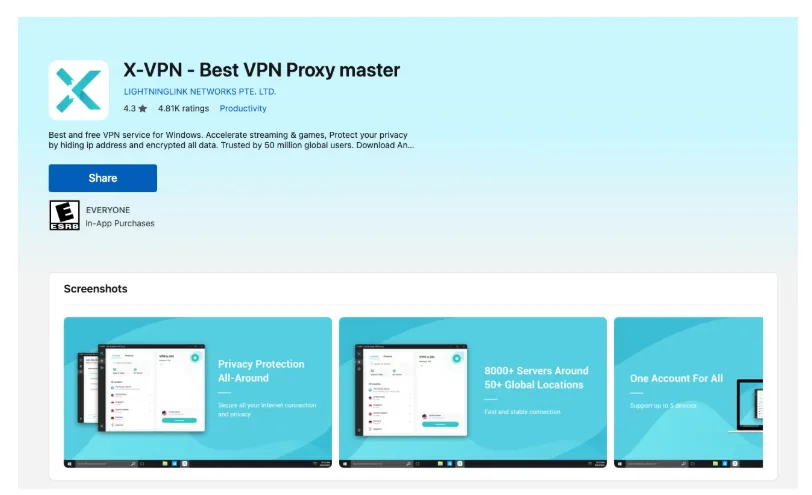
Apps like X-VPN, available through the Microsoft Store, give Windows users a straightforward way to add encryption without complicated setup. For everyday internet users, simplicity matters. If something is too technical, it won’t become routine.
The goal isn’t to overhaul your digital life.
It’s to recognize that your environment changes — and adjust accordingly.
At home, your network is private because you control it.
Outside, it isn’t.
That small difference is enough to justify a small adjustment.
Because staying connected is easy.
Staying thoughtful about how you connect is what makes the difference.